
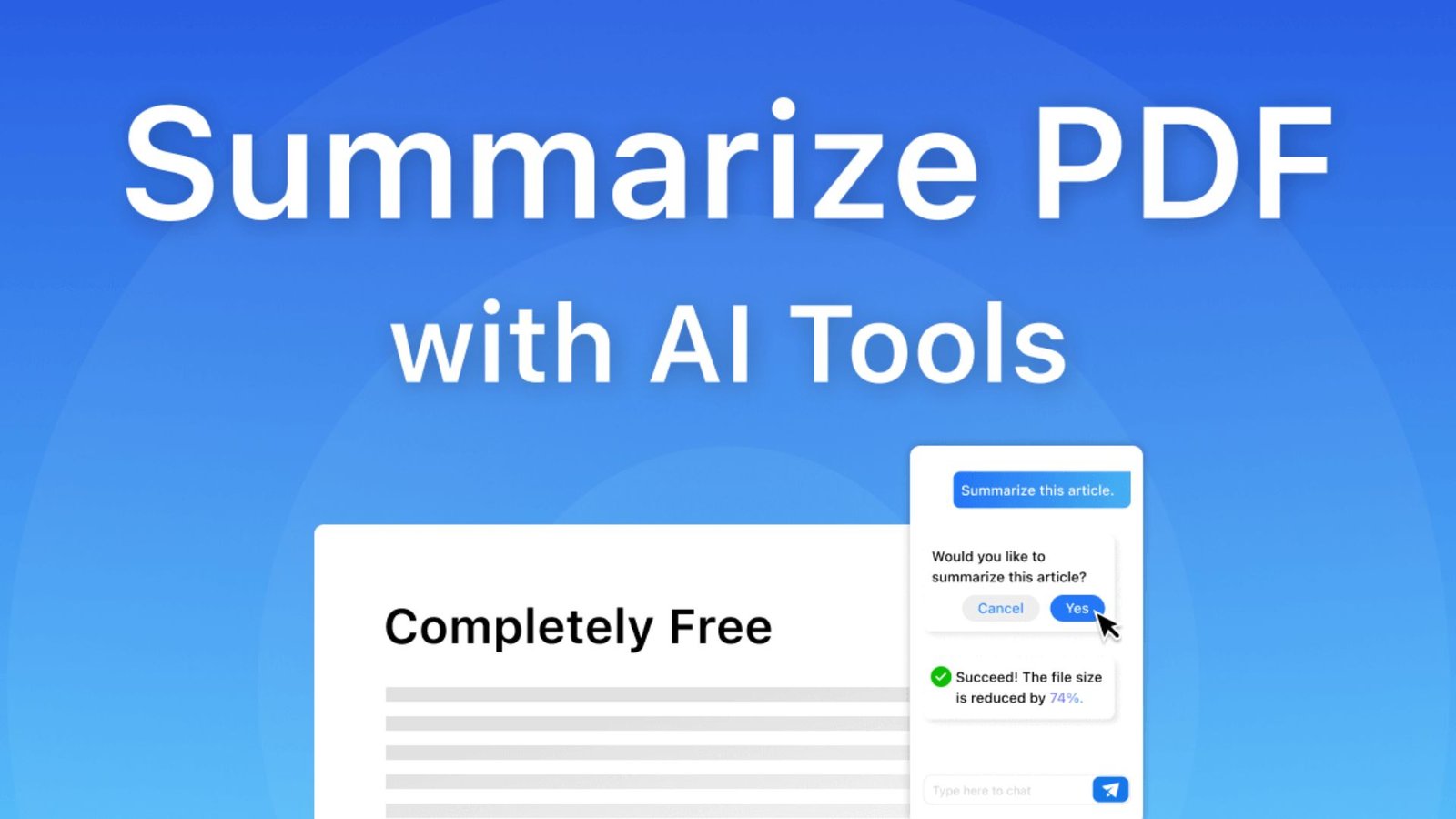
PDF Summarizer: Find the Best AI Tools to Summarize PDFs in 2026
Reading lengthy PDF documents can take hours, especially when they contain complicated research, reports, textbooks, or business information. Missing important details or struggling to understand technical language can make the process even more frustrating. A PDF Summarizer helps solve this problem by using artificial intelligence to identify key information, shorten lengthy content, and present important ideas in a clearer format. With the right tool, you can save time, understand documents faster, and focus on the information that matters most.
What Is a PDF Summarizer?
A PDF summarizer is an online or desktop tool that uses artificial intelligence or text-processing technology to shorten lengthy PDF documents. It reads the available document content, identifies important information, and creates a shorter version that preserves the main ideas.
Instead of reading every page manually, users can review an organized summary containing essential points, explanations, findings, and conclusions.
A modern AI PDF summarizer can also provide additional features, such as:
- Extracting important information from lengthy documents.
- Creating chapter-by-chapter summaries.
- Answering questions about uploaded PDFs.
- Highlighting important facts and figures.
- Turning complicated information into simple explanations.
- Generating study notes and revision material.
- Summarizing multiple documents when supported.
For example, a student can upload a 60-page research paper and request a one-page overview covering its purpose, methodology, findings, and conclusion.
How Does an AI PDF Summarizer Work?
An AI-powered summarization system follows several steps to understand and shorten a document. It processes the available text, identifies relationships between ideas, and produces a shorter explanation.
Here is how the process generally works:
- Upload the document: Select a PDF from your computer, tablet, or smartphone.
- Text extraction: The software identifies and extracts readable text from the document. Some tools also use optical character recognition (OCR) for scanned pages.
- Content analysis: Artificial intelligence examines headings, paragraphs, keywords, and important information.
- Key information detection: The system identifies the main arguments, facts, explanations, and conclusions.
- Summary generation: The tool converts the selected information into shorter and more understandable content.
- Review the results: Read the summary, ask follow-up questions, or adjust the requested length.
The quality of the result depends on document formatting, text clarity, language, file length, and the AI model used.
Best PDF Summarizer Tools in 2026
Choosing the right software depends on your reading habits, document requirements, budget, and preferred features. Some tools are designed for quick summaries, while others provide advanced document analysis and question-answering capabilities.
The following options offer different approaches to PDF summarization.
1. Smallpdf AI PDF Summarizer
Best for simple online PDF summarization
Smallpdf offers an online AI summarization feature that helps users shorten documents without installing desktop software. You can upload supported documents and receive a concise overview of their important information.
Its AI assistant also allows users to ask questions about document content.
Key features:
- Online PDF summarization.
- AI-powered document chat.
- Support for several document formats.
- Scanned PDF summarization.
- Summary copying and downloading.
- Browser-based access.
Best for: Students, casual readers, and people who need quick document summaries.
2. Adobe Acrobat AI Assistant
Best for professional PDF workflows
Adobe Acrobat AI Assistant combines PDF management with artificial intelligence. It helps users understand lengthy documents, generate summaries, and ask questions about specific information.
One useful feature is its ability to connect AI-generated answers with relevant source locations in the document. This makes it easier to check important details instead of relying entirely on an AI response.
Key features:
- AI-generated PDF summaries.
- Questions and answers about documents.
- Source references and citations.
- Section-based summaries.
- Support for working across multiple documents.
- Integration with the Acrobat environment.
Best for: Business professionals, researchers, legal teams, and regular Acrobat users.
3. Foxit AI PDF Summarizer
Best for multiple-document analysis
Foxit AI provides document summarization and conversational AI features for users who work with different file formats. It can analyze multiple files, identify important information, and answer questions using document content.
Its source-linked responses are particularly helpful when users need to verify extracted information.
Key features:
- Summarization of one or multiple documents.
- AI-powered document questions.
- Source-linked answers.
- Support for various file formats.
- Document translation.
- Additional PDF productivity features.
Best for: Professionals, business teams, and users handling large collections of documents.
4. ChatPDF
Best for asking questions about PDF documents
ChatPDF focuses on conversational document analysis. Rather than simply generating a short overview, it allows users to interact with an uploaded document through questions.
For example, you can ask about the main argument, important statistics, specific chapters, or the author’s conclusions.
Key features to look for:
- Conversational PDF analysis.
- Document-based question answering.
- Main-point extraction.
- Research and study assistance.
- References to document content.
Best for: Students, researchers, and readers who want to explore specific information.
Check the current free-plan limits and supported file sizes before choosing a subscription.
5. Google NotebookLM
Best for research and source-based learning
Google NotebookLM is an AI research and learning assistant that can analyze uploaded PDFs alongside other supported sources. It helps users understand complex material, explore relationships between ideas, and create useful summaries.
It is particularly valuable when research involves multiple documents rather than one PDF.
Key features:
- PDF source uploads.
- Source-based AI conversations.
- Research summaries.
- Multiple-source analysis.
- Customizable response styles.
- Additional learning and research features.
Best for: Students, teachers, researchers, and people managing several information sources.
Detailed Comparison Table of the Best PDF Summarizer Tools
The following table compares the main capabilities of these five tools. Features and free usage limits can change, so check the provider’s current terms before uploading documents or purchasing a plan.
| Tool | Main Purpose | AI Summaries | Ask Questions | Multiple Sources | Free Access |
|---|---|---|---|---|---|
| Smallpdf | Quick online summaries | Yes | Yes | Supported | Limited/free options |
| Adobe Acrobat | Professional PDF workflows | Yes | Yes | Yes | Access varies |
| Foxit AI | Document analysis | Yes | Yes | Yes | Free AI credits |
| ChatPDF | Conversational PDF reading | Yes | Yes | Plan-dependent | Limited |
| NotebookLM | Research and learning | Yes | Yes | Yes | Available with usage limits |
Which PDF Summarizer Should You Choose?
Your ideal choice depends on what you want to accomplish.
- For quick summaries: Smallpdf is a convenient option.
- For professional documents: Adobe Acrobat offers integrated PDF and AI features.
- For multiple documents: Foxit AI is worth considering.
- For document conversations: ChatPDF provides a question-and-answer approach.
- For academic research: NotebookLM is useful for working with several sources.
There is no single best-rated PDF summarizer for every user. Compare the features that matter to your specific requirements.
Best Features to Look for in a PDF Summarizer
A useful summarization tool should do more than reduce the number of words. It should help readers understand the original document without removing important information.
Consider these features before selecting a service.
1. Accurate Content Summarization
Accuracy is one of the most important qualities. The software should preserve the original meaning, important findings, and supporting details.
A good tool should not invent statistics or change the author’s intended message.
2. Adjustable Summary Length
Different documents require different levels of detail. A short overview may be enough for a general report, while an academic paper may need a detailed explanation.
Look for options that allow you to request brief, medium, or comprehensive summaries.
3. Document-Based Questions
An AI PDF summarizer becomes more useful when it can answer questions about the uploaded content.
For example, you might ask:
- What is the main purpose of this document?
- Which findings are most important?
- What problems does the author identify?
- What recommendations appear in the final section?
- Can you explain this chapter in simple language?
4. Source References
Source references help users check where an answer comes from. This feature is especially valuable for research papers, contracts, reports, and technical documents.
Whenever possible, choose software that connects its answers to specific pages or passages.
5. OCR Support
Some PDF files contain scanned pages instead of selectable text. Optical character recognition converts text inside scanned images into machine-readable content.
Without OCR, a summarization tool may struggle to understand these documents.
6. Privacy and Document Security
Documents can contain confidential business information, financial details, personal records, or unpublished research.
Before uploading a file, review:
- File retention policies.
- Data encryption practices.
- AI training policies.
- Document deletion options.
- Account and access controls.
Never assume that a free service automatically provides the privacy protection required for sensitive documents.
Free PDF Summarizer vs Paid AI PDF Summarizer
A free PDF summarizer can be enough for occasional reading tasks. However, people who regularly analyze lengthy reports or academic material may benefit from advanced features available in paid plans.
The main difference is often the number of available features, usage limits, and document-processing capacity.
| Feature | Free Summarizer | Paid AI Summarizer |
|---|---|---|
| Basic summaries | Usually available | Available |
| Daily usage | Often limited | Usually higher |
| File size | May be restricted | Often larger |
| Multiple PDF uploads | May be restricted | More options |
| Advanced AI questions | Limited or available | Often expanded |
| Detailed summaries | Depends on tool | Often expanded |
| Priority support | Usually unavailable | May be included |
| Professional workflows | Basic | More advanced |
Which option is better?
Choose a free AI PDF summarizer if you only summarize a few documents each month. Consider a paid service if you regularly work with large files, need advanced analysis, or require additional document-management features.
How to Use a Free AI PDF Summarizer
Using an online summarization service is generally straightforward. Most browser-based tools follow a similar process.
Follow these steps:
- Choose a reputable PDF summarization service.
- Open its document upload feature.
- Select the PDF you want to analyze.
- Wait for the system to process the document.
- Select the summary option.
- Choose your preferred level of detail if available.
- Review the generated summary.
- Ask additional questions when necessary.
- Copy or save the results for future reference.
Helpful tip: Give the AI a clear instruction instead of requesting a general summary every time. A specific request usually produces a more useful result.
For example:
“Summarize this document in simple English. Identify its main arguments, important facts, key findings, and final recommendations. Organize the response using headings and bullet points.”
Who Can Benefit From an AI PDF Summarizer?
PDF summarization is useful across different industries and educational environments. Anyone who regularly reads lengthy documents can benefit from a faster way to identify essential information.
Students
Students can summarize textbooks, lecture notes, research papers, and educational resources. They can also create revision notes and identify important topics before examinations.
Teachers and Educators
Teachers can review academic resources, prepare lesson outlines, and simplify complicated reading material for their students.
Researchers
Researchers often work with dozens of academic papers. Summarization tools can help them identify research objectives, methodologies, results, and conclusions.
However, they should always examine the original studies before using findings in their own work.
Business Professionals
Business teams can use document summaries to review proposals, meeting reports, market research, and internal documentation.
This makes it easier to identify action items and important business information.
Lawyers and Legal Professionals
Legal professionals may use AI to locate relevant clauses, summarize lengthy agreements, and review policy documents.
However, AI summaries should never replace a complete legal review or professional judgment.
Content Writers and Bloggers
Writers can use document analysis to understand reports, organize research notes, and identify useful information before developing original content.
They should verify facts and create their own analysis rather than publishing unverified AI-generated summaries.
Common Challenges When Using a PDF Summarizer
Although AI-powered tools offer convenience, they are not perfect. Understanding their limitations helps users avoid mistakes.
1. Missing important details
A short summary may remove examples, qualifications, or supporting evidence. Request a detailed summary when the document contains important technical information.
2. Incorrect information
AI systems can misunderstand context or produce inaccurate statements. Always compare important claims with the original document.
3. Scanned document problems
Low-quality scans, unusual fonts, and handwritten content can reduce text recognition accuracy.
4. Complex terminology
Technical, scientific, and legal documents may contain specialized vocabulary. Ask the tool to explain unfamiliar terms separately.
5. Privacy concerns
Uploading confidential documents to an unknown service can create unnecessary risks. Review security policies before submitting sensitive files.
6. Usage restrictions
A free service may restrict document length, file size, or the number of summaries. Check these limits before choosing a tool for regular use.
Tips for Getting Better Results From a PDF Summarizer
The quality of your summary depends partly on how you communicate with the AI system.
Use these practical techniques to improve the results:
- Set a clear goal: Explain whether you need an overview, study notes, or a professional report.
- Mention the audience: Request an explanation suitable for students, beginners, or experienced professionals.
- Specify the format: Ask for headings, bullet points, numbered lists, or tables.
- Identify important sections: Request a summary of particular chapters or pages.
- Preserve important facts: Tell the system to retain dates, statistics, names, and important conclusions.
- Ask follow-up questions: Explore unclear statements instead of accepting the first response.
- Verify the information: Compare important details with the original PDF.
- Keep the original file: Never rely exclusively on a generated summary for critical decisions.
These methods help transform a basic summarization request into a more useful document-analysis process.
How to Choose the Best PDF Summarizer for Your Needs
Selecting the right tool requires more than comparing its popularity. Consider your daily requirements, the types of documents you read, and the level of detail you expect.
Use this checklist before making a decision:
| Selection Factor | What to Check | Why It Matters |
|---|---|---|
| Accuracy | Correct information extraction | Prevents misleading summaries |
| Speed | Processing time | Saves reading time |
| Ease of use | Simple interface | Makes daily tasks easier |
| File support | PDF and scanned documents | Supports different document types |
| AI chat | Follow-up questions | Helps explore document details |
| Security | Privacy and retention policies | Protects sensitive information |
| Pricing | Free and paid features | Helps control costs |
| Export options | Copy and download | Makes saving notes easier |
A suitable PDF summarizer should provide understandable results, preserve important information, and make document analysis easier without creating unnecessary complications.
Is a PDF Summarizer Better Than Reading the Original Document?
A summarization tool can make reading more efficient, but it cannot replace every part of the original document.
A summary provides a quick overview of important ideas. The original PDF provides complete explanations, supporting evidence, examples, references, and context.
The best approach is to use both.
Use an AI-generated summary when:
- You need a quick understanding of a lengthy report.
- You want to identify important chapters.
- You are reviewing several research papers.
- You need an overview before a detailed reading session.
Read the original document when:
- You need exact quotations or statistics.
- You are reviewing legal or financial agreements.
- You are making important professional decisions.
- You need to verify research findings.
- Small details could change the meaning.
Combining both methods gives you convenience while maintaining accuracy.
What Is the Future of AI PDF Summarization?
AI document analysis continues to develop beyond simple text reduction. Modern tools are introducing features that help users interact with documents, compare sources, and organize information.
Several developments are particularly important:
More conversational document analysis: Users can ask questions naturally instead of searching manually through hundreds of pages.
Multiple-document understanding: AI systems can compare information across several documents and identify related findings.
Improved source attribution: Some tools connect answers to original passages, making information easier to verify.
Multimedia learning: Document information can increasingly be transformed into other learning formats, including audio and visual overviews.
Smarter document organization: AI features can help create outlines, identify sections, and organize information for future reference.
These developments make the PDF summarizer an increasingly useful part of research, education, and professional document management.
Frequently Asked Questions About PDF Summarizers
1. What is the best free PDF summarizer?
Smallpdf is a useful option for people looking for a free online PDF summarizer. It offers AI-generated summaries and document questions, with no account required to try its summarization feature. However, always check current usage restrictions before relying on it regularly.
2. What is the best PDF summarizer in 2026?
The best PDF summarizer depends on your requirements. Smallpdf is suitable for quick online summaries, Adobe Acrobat for professional document workflows, Foxit AI for multiple-file analysis, ChatPDF for document conversations, and NotebookLM for research.
3. Can AI summarize a PDF for free?
Yes. Several services offer free AI PDF summarization options. Some allow users to upload documents, generate summaries, and ask basic questions without purchasing a subscription. Free access may include restrictions on file size, usage, or advanced features.
4. How accurate is an AI PDF summarizer?
Accuracy depends on document quality, formatting, language, and the AI system. Most tools can identify major ideas, but they may occasionally miss details or misunderstand complicated information. Always verify important facts against the original document.
5. Can I summarize a large PDF document?
Yes. Many modern tools support lengthy PDF documents, although their file-size and page limits vary. Foxit AI, for example, advertises support for files up to 2,000 pages under its stated upload conditions. Check the current limits before uploading a large document.
6. Are free AI PDF summarizers safe to use?
They can be suitable for ordinary documents, but security depends on the provider’s policies and technical protections. Review file retention, encryption, deletion, and AI training policies before uploading private information. Avoid submitting sensitive documents to services you do not trust.
Final Thoughts
Finding the right PDF summarization solution can make document reading faster, simpler, and more productive. Whether you are a student preparing study notes, a researcher reviewing academic papers, or a professional analyzing business reports, the right tool can help you identify essential information without spending hours reading every page.
Compare available features, free usage limits, document support, and privacy policies before making your choice. Most importantly, treat AI-generated summaries as reading assistance rather than a replacement for original information.
Have you tried an AI-powered document summarization tool? Consider which features save you the most time and choose a solution that matches your everyday reading needs.
One Comment